Openai Prompt Caching Cost Calculator
Calculate OpenAI prompt caching costs using input, cached input, cache-write, and output tokens. Get a clear token cost estimate for your API usage.
Please complete this field to continue.
Please complete this field to continue.
Please complete this field to continue.
Please complete this field to continue.
Please complete this field to continue.
Please complete this field to continue.
Please complete this field to continue.
Results
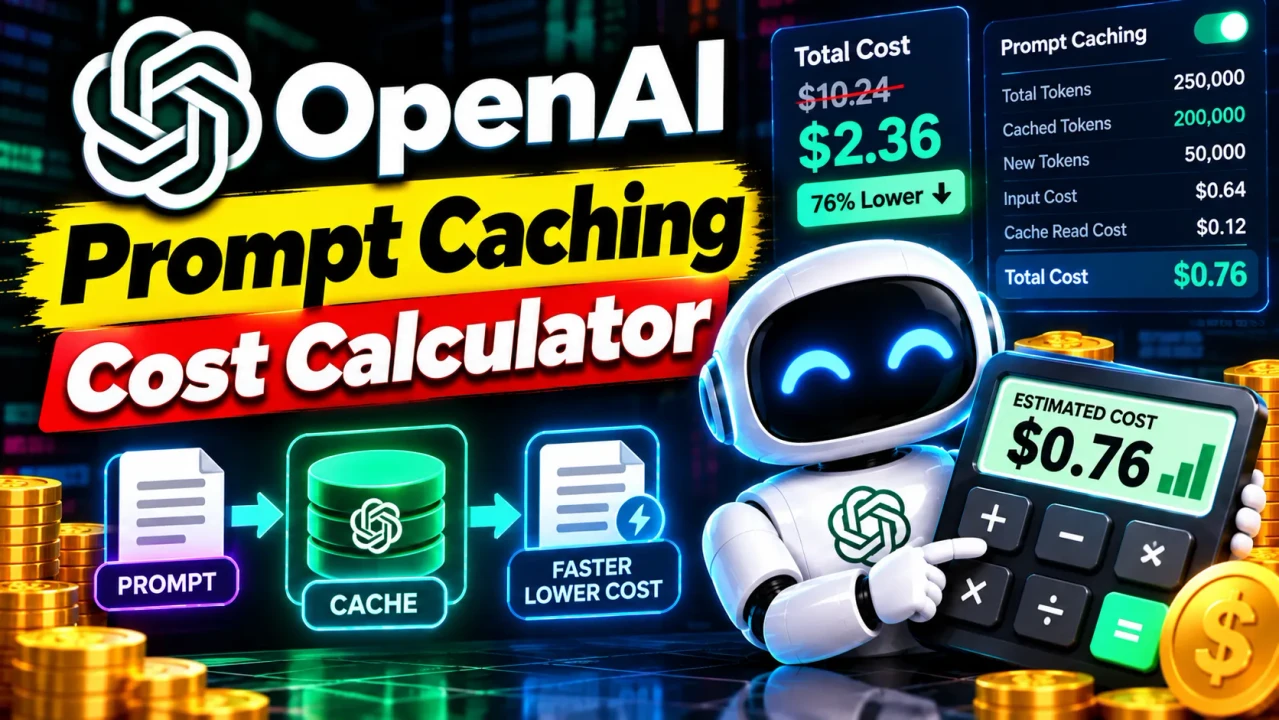
Openai Prompt Caching Cost Calculator
TL;DR Summary
Openai Prompt Caching Cost Calculator helps estimate API spending by separating regular input tokens, cached input tokens, cache-write tokens, and output tokens, using model pricing as the basis for the calculation. It is intended as a planning estimate rather than a billing statement, and the supplied tool information does not document how entered data is stored or transmitted.
What Is the Openai Prompt Caching Cost Calculator?
The Openai Prompt Caching Cost Calculator is a cost-estimation tool for developers and teams using OpenAI API models with prompt caching. Its main purpose is to make token pricing easier to understand when the same prompt prefix is reused across API requests.
Prompt caching can change the price of input tokens because cached tokens may use a different rate from ordinary input tokens. Cache writes can also have their own rate on models that charge for writing a prompt prefix to the cache. Output tokens are normally priced separately from input tokens. The calculator brings these parts together so you can estimate the cost of an API request or a group of requests.
This is useful when planning an AI application, reviewing expected API spending, comparing cached and uncached usage, or estimating the effect of repeated prompt prefixes. It can be useful for software developers, AI application builders, technical teams, product managers, and anyone who needs a simple way to reason about token-based API costs.
What Does the Calculator Estimate?
The calculation focuses on token-based model costs. The key quantities are input tokens, cached input tokens, cache-write tokens, output tokens, and the applicable price per one million tokens.
Ordinary input tokens are tokens that are processed at the model's standard input rate. Cached input tokens represent reusable prompt-prefix tokens that qualify for the cached-input rate. Cache-write tokens represent tokens written to the prompt cache when the selected pricing model charges separately for cache writes. Output tokens are tokens generated by the model.
The exact fields available in a particular implementation are not supplied with the tool specification, so the calculator should be understood as a standard prompt-caching cost model rather than a claim about hidden interface fields. If the live calculator provides model selectors or pricing fields, use the values displayed there rather than assuming a rate from an older pricing table.
Inputs
A typical calculation uses these inputs:
- Input tokens: The total number of input tokens processed by the request or request set.
- Cached input tokens: The portion of input tokens that is reused from an eligible cached prompt prefix.
- Cache-write tokens: The number of tokens written to the cache when the applicable model pricing charges for cache writes.
- Output tokens: The number of tokens generated by the model.
- Input price: The standard price per 1 million input tokens for the selected model and pricing mode.
- Cached-input price: The price per 1 million cached input tokens.
- Cache-write price: The price per 1 million cache-write tokens, when applicable.
- Output price: The price per 1 million output tokens.
Depending on the calculator interface, some prices may be selected through a model or pricing option instead of entered manually. Always use the pricing values supplied by the tool or the current OpenAI pricing information for the model and service mode being evaluated.
Outputs
The main output is an estimated token cost. A useful calculation can also show the individual input, cached-input, cache-write, and output cost components so you can see which part contributes to the total.
The result should be treated as an estimate. Actual API charges can depend on the model, pricing mode, request configuration, token usage, cache behavior, and current published pricing. A cache hit is not something that should be assumed merely because a prompt is similar to an earlier prompt. OpenAI's documentation explains that prompt caching depends on a matching reusable prefix and that maintaining a session does not by itself guarantee a cache hit.
How Prompt Caching Changes the Cost
Prompt caching is designed for requests that reuse the same prompt prefix. When a matching cached prefix is available, the reused tokens are billed at the cached-input rate rather than the ordinary input rate. OpenAI's current documentation also notes that pricing varies by model. For models with cache-write pricing, the initial write and later cache reads therefore need to be considered separately. :contentReference[oaicite:0]{index=0}
For example, OpenAI's current prompt-caching documentation describes GPT-5.6 and later as using a cache-write multiplier of 1.25 times the standard uncached input rate and a cache-read multiplier of 0.1 times that rate. Those multipliers are model-specific and should not automatically be applied to every OpenAI model. :contentReference[oaicite:1]{index=1}
How to Use the Openai Prompt Caching Cost Calculator
- Step 1: Select the OpenAI model or pricing option that matches the API usage you want to estimate, if the calculator provides a model selector.
- Step 2: Enter the number of ordinary input tokens used by the request or request group.
- Step 3: Enter the number of cached input tokens that are expected to be billed at the cached-input rate.
- Step 4: Enter cache-write tokens when the applicable pricing model charges for writing tokens to the prompt cache.
- Step 5: Enter the expected output token count.
- Step 6: Confirm the input, cached-input, cache-write, and output prices used by the calculator.
- Step 7: Review the estimated total and, where available, the separate cost components.
- Step 8: Repeat the calculation with different cache-hit assumptions or token volumes when you want to compare possible usage patterns.
Technical Explanation and Formula
The standard cost model for a prompt-caching calculator can be written as:
Total Cost = Ordinary Input Cost + Cached Input Cost + Cache Write Cost + Output Cost
Using token counts and prices per one million tokens:
Total Cost = (U × Pu / 1,000,000) + (C × Pc / 1,000,000) + (W × Pw / 1,000,000) + (O × Po / 1,000,000)
- U = ordinary, uncached input tokens.
- C = cached input tokens.
- W = cache-write tokens.
- O = output tokens.
- Pu = price per 1 million ordinary input tokens.
- Pc = price per 1 million cached input tokens.
- Pw = price per 1 million cache-write tokens.
- Po = price per 1 million output tokens.
If the total input token count is supplied instead of ordinary input tokens, the ordinary input portion can be calculated as:
U = Total Input Tokens − Cached Input Tokens − Cache-Write Tokens
This formula follows the standard cost calculation described in OpenAI's prompt-caching documentation. OpenAI's published example calculates ordinary input tokens by subtracting cached and cache-write tokens from total input tokens, then applies the relevant price multipliers. :contentReference[oaicite:2]{index=2}
Worked Example
Suppose a hypothetical pricing setup uses $1.00 per 1 million ordinary input tokens, $0.10 per 1 million cached input tokens, $1.25 per 1 million cache-write tokens, and $5.00 per 1 million output tokens. Suppose a request has 10,000 ordinary input tokens, 40,000 cached tokens, 5,000 cache-write tokens, and 2,000 output tokens.
| Cost Component | Tokens | Rate per 1M | Estimated Cost |
|---|---|---|---|
| Ordinary input | 10,000 | $1.00 | $0.0100 |
| Cached input | 40,000 | $0.10 | $0.0040 |
| Cache write | 5,000 | $1.25 | $0.00625 |
| Output | 2,000 | $5.00 | $0.0100 |
| Total | 57,000 | — | $0.03025 |
This example is only a mathematical demonstration. It does not represent a guaranteed price for a particular OpenAI model. Current OpenAI pricing varies by model, context length, and service mode, so the applicable rates should be checked before using an estimate for budgeting. :contentReference[oaicite:3]{index=3}
Understanding Cache Reads and Cache Writes
A cache write and a cache read are different parts of the prompt-caching process. A reusable prompt prefix may first be written to a cache. A later request with a matching eligible prefix can read that cached work. The price for each stage depends on the model.
OpenAI states that prompt caching is based on reusable prompt prefixes rather than simply storing and replaying an earlier answer. The cached information represents model processing state for an eligible prefix. The model still processes new input and generates a new response. :contentReference[oaicite:4]{index=4}
Preset Examples and Quick Reference
| Usage Pattern | Main Cost Inputs | What to Check |
|---|---|---|
| No caching | Ordinary input + output tokens | Standard input and output rates |
| Cached prompt prefix | Ordinary input + cached input + output | Cached-input rate and actual cache reuse |
| First request creating a cache | Input + cache-write + output | Whether the model charges for cache writes |
| Repeated cached requests | Cached input + new input + output | Cache-hit behavior and model-specific rates |
Why Token Counts Matter
A small change in token counts can change an estimate when requests are repeated many times. This is why it is useful to separate ordinary input tokens from cached tokens instead of treating every input token as having the same price.
For planning, you can calculate a single request first and then multiply the relevant usage pattern across an expected number of requests. For more realistic estimates, use separate assumptions for the first request, cache reads, cache misses, and changing user content.
Privacy and Data Handling
The supplied tool specification does not document whether values entered into this calculator are processed locally, sent to a server, stored, or logged. Because that behavior is not confirmed, this page does not make a claim about local processing or data storage. Avoid entering sensitive information unless the live page clearly explains how submitted information is handled.
Assumptions and Limitations
The Openai Prompt Caching Cost Calculator is a planning aid. Its estimate depends on the token counts and prices entered or selected. It cannot determine whether an actual API request will receive a cache hit unless that information is supplied from real API usage data.
Pricing can change. Model pricing can also differ by model, context length, processing mode, and other applicable options. OpenAI's current pricing page lists separate input, cached-input, cache-write, and output rates for supported models. :contentReference[oaicite:5]{index=5}
The calculation also does not automatically represent every possible API charge unless the calculator specifically includes that charge. Additional services, tools, or usage components may have separate pricing. For example, OpenAI's pricing documentation distinguishes token pricing from certain tool and service charges. :contentReference[oaicite:6]{index=6}
Do not use an estimate as an invoice or accounting record. For production budgeting, compare the calculator estimate with actual usage data from API responses and your current OpenAI pricing information. OpenAI documents usage fields such as input tokens and cached input tokens for monitoring prompt-caching usage. :contentReference[oaicite:7]{index=7}
When Should You Use This Calculator?
Use the calculator when you want to understand how prompt caching may affect token costs before deploying or changing an AI workflow. It can also help when testing different prompt sizes, estimating repeated requests, or explaining why cached and uncached requests can have different input costs.
For a production application, treat the result as one part of a broader cost review. Check current model pricing, actual token usage, cache-read behavior, cache-write behavior, and the other charges that apply to your API configuration. This gives you a more complete picture than a theoretical calculation alone.
Why Use This Openai Prompt Caching Cost Calculator & How Our Calculator Beats the Competition
The practical difference is not a claim that one method is universally better. Each approach fits a different need. The Toolhox calculator is intended to provide a focused way to work through prompt-caching cost inputs without requiring users to build their own formula from scratch.
| Method | Ease of Use | Calculation Speed | Best For | Limitations |
|---|---|---|---|---|
| Toolhox Calculator | Enter or select the relevant cost inputs | Immediate calculation after inputs are provided | Quick prompt-caching cost estimates | Depends on the inputs and pricing assumptions provided |
| Manual Calculation | Requires applying the token-cost formula yourself | Depends on the person doing the calculation | Checking individual calculations or formulas | More room for arithmetic or input mistakes |
| Spreadsheet | Requires setup and maintained formulas | Fast after the spreadsheet is built | Repeated scenarios and custom cost models | Formulas and pricing data must be maintained |
| Professional Software | Varies by product and workflow | Depends on the software and configuration | Broader engineering, financial, or operational analysis | May include features beyond a simple token-cost estimate |
Bottom Line
The Openai Prompt Caching Cost Calculator is most useful when you need a focused estimate of token costs involving prompt caching. The core idea is simple: separate ordinary input, cached input, cache writes, and output, then apply the appropriate price per million tokens. Because OpenAI pricing and caching rules can change, use current model-specific rates and actual usage data when making production budget decisions.
