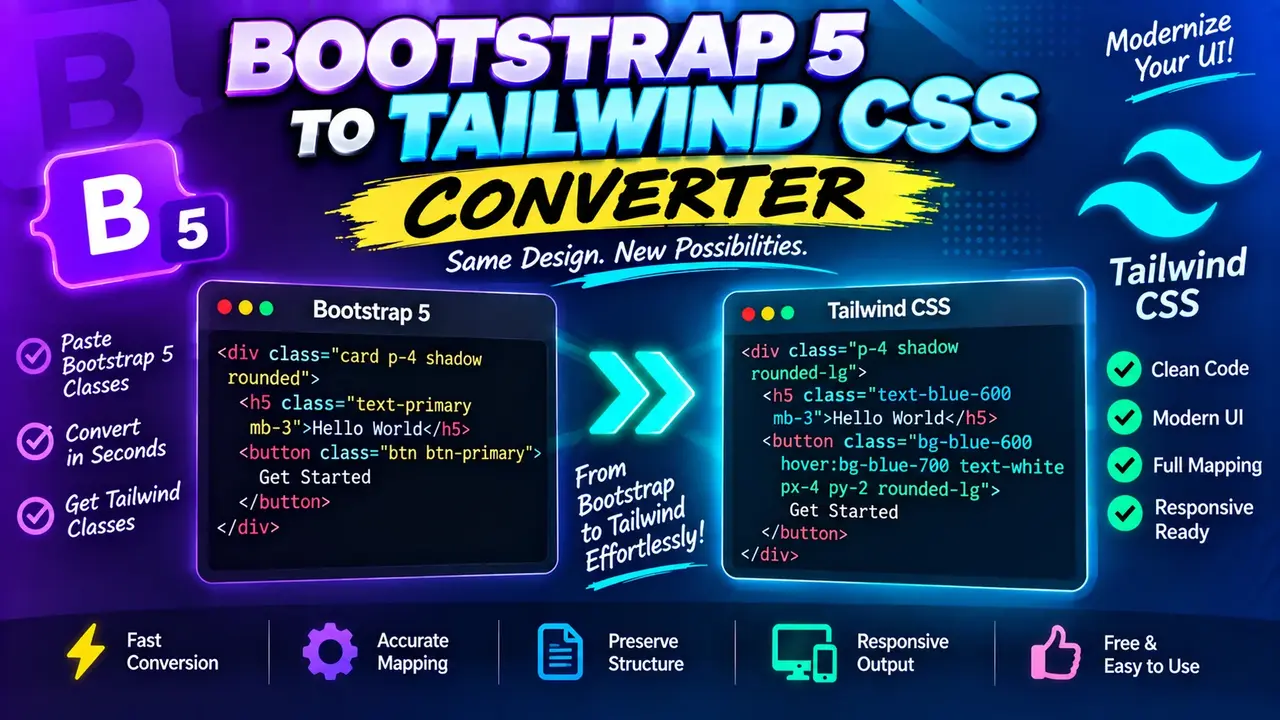
Online Bootstrap 5 to Tailwind CSS Converter
TL;DR Summary
The Bootstrap 5 to Tailwind CSS Converter is a developer utility intended to help translate Bootstrap 5 class-based markup into Tailwind CSS utility classes. The exact conversion coverage depends on the converter's supported mappings, so review the generated code before using it in production; privacy behavior is not specified by the supplied tool information, so avoid entering sensitive code unless the page clearly explains how submitted data is handled.
About This Tool
The Bootstrap 5 to Tailwind CSS Converter is designed for developers who are moving HTML interfaces from Bootstrap 5 to Tailwind CSS. Bootstrap and Tailwind CSS use different approaches to styling. Bootstrap provides a large set of predefined component and utility classes, while Tailwind CSS focuses on small utility classes that can be combined directly in markup. When an existing project uses Bootstrap 5, manually replacing classes can take time and can introduce missed or incorrect style mappings.
This converter is intended to make that migration work easier by translating supported Bootstrap 5 class names into corresponding Tailwind CSS utility classes. It can be useful when updating an older interface, testing Tailwind CSS in an existing page, preparing a migration, or learning how common Bootstrap concepts can be expressed with Tailwind utilities.
Who Can Use It?
The tool is primarily relevant to web developers, frontend developers, UI developers, students learning CSS frameworks, and teams working on Bootstrap-to-Tailwind migrations. It can also help when reviewing existing HTML that contains Bootstrap 5 classes and you want a Tailwind-oriented version for further editing.
The converter should be treated as a code transformation aid rather than a complete migration system. Bootstrap and Tailwind CSS do not have a one-to-one relationship for every component, utility, or behavior. Some Bootstrap classes represent styling, while others are connected to components, responsive behavior, JavaScript interactions, or Bootstrap-specific markup conventions. A class conversion alone may therefore not reproduce the complete behavior of the original interface.
Inputs and Outputs
The primary input is Bootstrap 5-oriented markup or class information that you want to convert. The expected output is Tailwind CSS-oriented markup or class information based on the mappings supported by the converter.
The supplied tool information does not document a complete list of input fields, optional controls, supported Bootstrap classes, unsupported classes, output formatting options, or exact conversion mappings. For that reason, those details should be determined from the live converter interface rather than assumed. If the tool provides separate input and output areas, enter the Bootstrap 5 code in the input area and use the resulting Tailwind CSS code as the starting point for your migration.
How to Use
- Step 1: Open the Bootstrap 5 to Tailwind CSS Converter and identify the Bootstrap 5 input area provided by the tool.
- Step 2: Enter or paste the Bootstrap 5 markup or class information you want to translate.
- Step 3: Run the conversion using the control provided by the tool.
- Step 4: Review the generated Tailwind CSS classes and compare them with the original Bootstrap markup.
- Step 5: Copy the converted result into your project and test the page at the screen sizes and interaction states that matter to your application.
- Step 6: Manually update any Bootstrap-specific components, JavaScript behavior, custom styles, or classes that were not fully represented by the conversion.
Technical Explanation
This is a class and markup converter, not a mathematical calculator, so there is no single numerical conversion formula. The underlying concept is a mapping between supported Bootstrap 5 classes and Tailwind CSS utility classes.
A simplified representation of the conversion process is:
Bootstrap class or supported markup → recognized mapping → Tailwind CSS class or converted markup
For example, a Bootstrap utility that expresses a common spacing or display rule may have a related Tailwind utility. The exact output depends on the mapping implemented by the converter. A migration should therefore be reviewed rather than assuming that every Bootstrap class has an exact Tailwind equivalent.
Unlike a unit converter, this process does not have a universal mathematical formula or fixed precision. CSS framework conventions differ, and some Bootstrap features require more than replacing one class name. Tailwind also uses responsive prefixes, state variants, and utility combinations that may require changes to the surrounding markup.
Bootstrap 5 to Tailwind CSS: Quick Reference
| Migration Task | What the Converter Helps With | What You Should Still Review |
|---|---|---|
| Bootstrap utility classes | Translate supported class patterns into Tailwind-oriented classes | Confirm the resulting visual behavior |
| HTML markup | Provide a Tailwind-oriented starting point where supported | Check surrounding markup and class combinations |
| Responsive classes | Assist with supported responsive class mappings | Test the intended breakpoints |
| Bootstrap components | May help with supported class-based styling | Check component structure and JavaScript behavior |
| Custom Bootstrap CSS | Not something a class mapping can automatically reproduce in every case | Recreate custom rules in Tailwind or CSS manually |
Example Migration Workflow
Suppose an existing HTML section contains Bootstrap 5 classes. The practical migration workflow is to paste the relevant markup into the converter, generate the Tailwind-oriented result, then compare the result with the original. Check layout, spacing, typography, colors, responsive behavior, and component behavior before replacing the original code.
The important point is that a converted class should be viewed as a starting point for migration. Even when a Bootstrap utility and Tailwind utility describe a similar CSS property, the surrounding class system, theme configuration, responsive prefixes, and project styles can affect the final result.
Why Use This Bootstrap 5 to Tailwind CSS Converter & How Our Bootstrap 5 to Tailwind CSS Converter Beats the Competition
The practical value of a converter is that it gives developers a structured way to approach repetitive class migration instead of manually looking up every supported Bootstrap pattern. However, different migration methods have different strengths. The table below describes those trade-offs without making unsupported claims about competing products.
| Method | Ease of Use | Calculation Speed | Best For | Limitations |
|---|---|---|---|---|
| Toolhox Bootstrap 5 to Tailwind CSS Converter | Designed for direct class conversion | Conversion is handled by the tool rather than manual lookup | Getting a Tailwind-oriented starting point from Bootstrap code | Supported mappings and complex component behavior still need review |
| Manual Conversion | Requires knowledge of both frameworks | Depends on the amount of code being migrated | Small changes and cases needing custom decisions | Can require repeated class lookup and manual checking |
| Spreadsheet or Mapping List | Useful when a known class mapping list is available | Depends on how the mapping is organized | Planning and reviewing large sets of class mappings | Does not automatically rewrite surrounding HTML unless additional tooling is used |
| Professional or Custom Migration Tooling | Varies by implementation | Depends on the specific tooling and project | Large or highly customized application migrations | May require project-specific setup, configuration, and manual review |
Assumptions and Limitations
The converter should be used with the assumption that Bootstrap 5 and Tailwind CSS are different frameworks with different design systems and class conventions. A class name that looks similar does not automatically guarantee identical rendering or behavior.
The supplied tool information does not provide a complete mapping catalog or state that every Bootstrap 5 class is supported. It also does not document how the converter handles custom CSS, custom Bootstrap themes, third-party Bootstrap components, JavaScript behavior, or project-specific Tailwind configuration. Those areas should therefore be reviewed manually.
Bootstrap components can include more than CSS classes. Some components depend on Bootstrap's markup structure and JavaScript behavior. Converting visible class names does not necessarily recreate those interactions in Tailwind CSS. Components such as navigation controls, modals, dropdowns, or other interactive elements may need separate implementation work.
Tailwind CSS projects can also have custom configuration, design tokens, plugins, and utility conventions. A generated class may need adjustment to match the project's configured theme. Similarly, responsive behavior should be tested at the breakpoints used by the target project.
Before deploying converted code, compare the original and new interfaces. Check desktop and mobile layouts, spacing, typography, colors, states, accessibility, and interactive behavior. If the migration affects a production application, use normal code review and testing practices. Do not rely on an automated class conversion alone for a complete framework migration.
Privacy behavior is not specified in the supplied tool information. Avoid entering secrets, credentials, private customer data, proprietary source code, or other sensitive material unless the live page clearly explains how submitted information is handled.
When to Use the Converter
This Bootstrap 5 to Tailwind CSS Converter is most useful when you already have Bootstrap-oriented HTML and need a Tailwind CSS starting point. It is especially helpful for repetitive utility-class migration and for quickly exploring how a Bootstrap-based interface can be expressed using Tailwind utilities.
For a full application migration, use the converted output as one part of a broader process. Review the code, test the visual result, replace unsupported patterns, rebuild interactive behavior where needed, and verify the final implementation against the requirements of the project.
