Morse Code Translator: Free Encoder & Decoder
Easily translate text to Morse code and decode audio or signals back into English. Try our fast, free Morse Code encoder & decoder online.
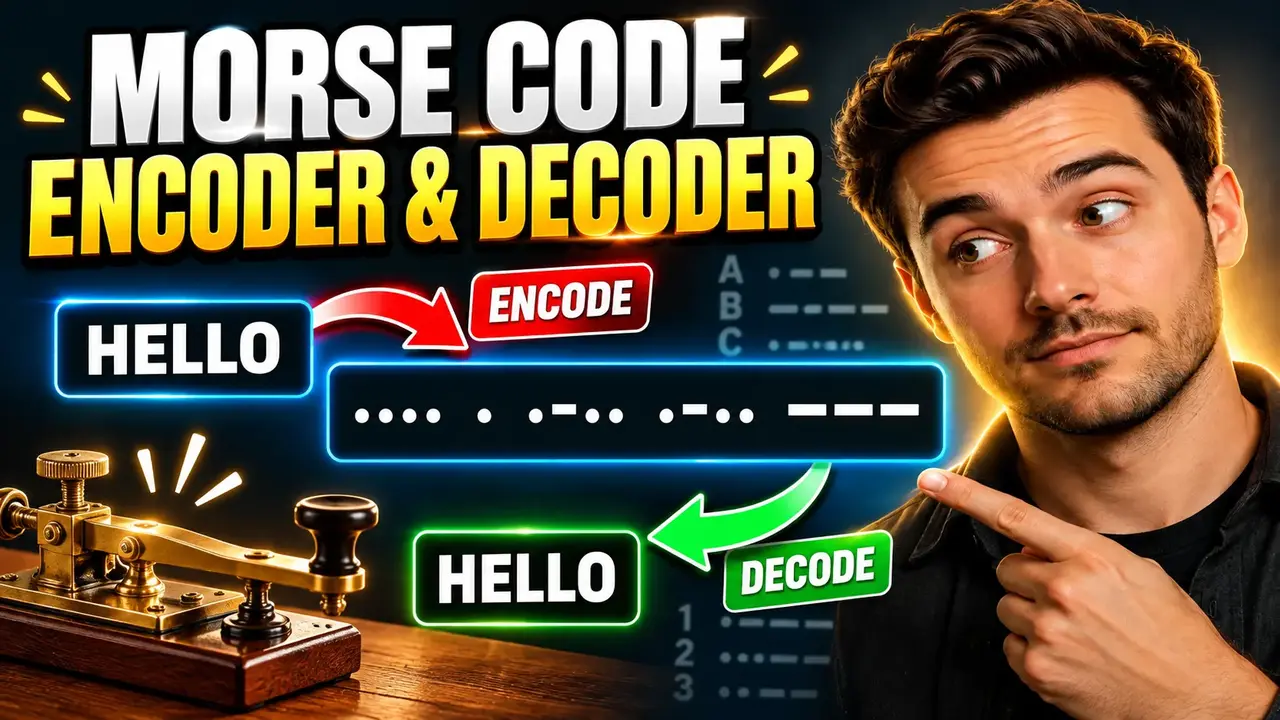
Morse Code encoder & decoder
TL;DR Summary
Morse Code encoder & decoder converts readable text into Morse code and decodes Morse code back into readable text. It is intended for quick text conversion and reference; the available tool context does not specify how entered data is processed or stored, so avoid entering sensitive information unless the page clearly explains its data handling.
About This Tool
The Morse Code encoder & decoder is a web-based utility for working with Morse code in both directions. You can use it when you need to turn ordinary letters, numbers, or supported punctuation into Morse code, or when you have Morse code that you want to read as normal text.
Morse code represents characters with combinations of short and long signals. These signals are commonly written as dots (.) and dashes (-). Spaces or other separators are used to distinguish one encoded character from another. The tool makes this conversion easier by handling the character-to-Morse mapping for you instead of requiring you to look up every character in a reference chart.
This tool can be useful for students learning about communication systems, hobbyists exploring Morse code, developers testing text transformations, puzzle solvers, educators preparing examples, and anyone who needs a quick Morse code reference. It can also help when checking whether a piece of Morse code corresponds to a particular word or phrase.
What You Enter
The main input is text that you want to encode or Morse code that you want to decode. The exact input controls and available options depend on the current Toolhox implementation. The core purpose is the same: provide content in one supported representation and convert it to the other.
For encoding, a normal text phrase is used as the source. For decoding, Morse code made from dots and dashes is used as the source. Character separators are important when decoding because the tool needs to know where one Morse character ends and the next begins.
What You Get
The output is the corresponding representation of the entered content. Text can be represented as Morse code, while Morse code can be converted back into readable text. For example, the standard Morse representation of the word SOS is:
... --- ...
Likewise, decoding ... --- ... gives:
SOS
The tool is therefore useful for both directions of a basic Morse code conversion workflow.
How to Use
- Step 1: Enter the text you want to encode, or enter Morse code that you want to decode.
- Step 2: Select or use the appropriate encoding or decoding function provided by the tool.
- Step 3: Review the converted result and check the character separators when working with Morse code.
- Step 4: Copy or use the resulting text or Morse representation as needed.
Technical Explanation
Morse code conversion is based on a lookup mapping between characters and Morse patterns. There is no numerical calculation or measurement unit involved. Each supported character has a corresponding sequence of dots and dashes.
For example, the standard International Morse Code mappings include:
| Character | Morse Code |
|---|---|
| A | .- |
| B | -... |
| C | -.-. |
| E | . |
| I | .. |
| M | -- |
| O | --- |
| S | ... |
| T | - |
Encoding can be described as:
Text character → Morse mapping → dot-and-dash sequence
Decoding reverses that process:
Morse sequence → Morse mapping → text character
For a word such as CAT, the standard mappings are C = -.-., A = .-, and T = -. The resulting Morse representation is:
-.-. .- -
Each Morse character is separated so the decoder can identify the individual letters. Word boundaries may require a wider separator or the specific formatting convention used by the tool.
Preset Examples / Quick Reference
| Text | Standard Morse |
|---|---|
| SOS | ... --- ... |
| CAT | -.-. .- - |
| HELLO | .... . .-.. .-.. --- |
| OK | --- -.- |
These examples use standard International Morse Code letter mappings. They are useful for checking the basic direction of a conversion.
Letters, Numbers, and Punctuation
International Morse Code includes mappings for the English alphabet and numbers, along with a defined set of punctuation and procedural symbols. However, not every character used in modern text necessarily has a corresponding Morse representation supported by a particular implementation.
For that reason, unusual symbols, unsupported characters, special formatting, or non-standard Morse notation may not convert as expected. When a result looks incomplete, check the original input and confirm that the characters are supported by the tool.
Important Assumptions
The conversion is based on character mappings rather than meaning or translation. The tool does not need to understand what a sentence means to encode it. Likewise, decoding Morse code does not automatically correct a sequence that contains a wrong dot, dash, or separator.
This distinction matters when checking Morse messages. A correctly formatted Morse sequence can be converted mechanically, but an incorrectly entered sequence can produce an unexpected character or fail to produce the intended message.
Common Uses
You can use a Morse Code encoder when you already have readable text and need a Morse representation. This can be helpful for learning exercises, puzzles, demonstrations, coding projects that need a Morse mapping, or simple experimentation with signal-based text representation.
You can use the decoder when you have a Morse sequence and want to identify its text. It can be useful for studying Morse code, checking puzzle clues, reading example signals, or verifying a manually written Morse sequence.
Why Use This Morse Code encoder & decoder & How Our Morse Code encoder & decoder Beats the Competition
The practical difference between conversion methods is mainly how much manual work is required. The Toolhox utility provides a dedicated place for Morse code conversion, while other methods may require you to build or maintain the character mapping yourself.
| Method | Ease of Use | Calculation Speed | Best For | Limitations |
|---|---|---|---|---|
| Toolhox Morse Code encoder & decoder | Dedicated conversion interface | Designed for direct conversion | Quick Morse encoding and decoding | Depends on the characters and Morse format supported by the tool |
| Manual Morse chart | Requires looking up characters | Depends on manual entry | Learning individual Morse mappings | More opportunity for lookup or transcription mistakes |
| Spreadsheet | Requires setup | Depends on the spreadsheet design | Custom workflows and repeated data processing | Requires creating and maintaining mappings or formulas |
| Custom code | Requires programming knowledge | Depends on the implementation | Applications that need Morse conversion as part of a larger workflow | Requires development and testing |
The main practical benefit of a dedicated Morse Code encoder & decoder is that the conversion task is separated from the rest of your work. You do not need to manually search a Morse chart for every letter when checking a basic message. At the same time, a manual chart, spreadsheet, or custom program may be more suitable when you are studying the code in depth or building a larger process around it.
Assumptions and Limitations
- The tool relies on Morse code character mappings rather than natural-language interpretation.
- Results depend on the characters and Morse notation supported by the implementation.
- Incorrect dots, dashes, or character separators can lead to incorrect decoding.
- Not every modern text symbol is guaranteed to have a supported Morse equivalent.
- Morse code is not the same as translating one language into another; it is a representation of characters using signals.
- The supplied tool information does not document its data-storage or transmission behavior. Avoid entering sensitive information unless the page provides clear privacy details.
For ordinary learning, reference, and conversion tasks, the result can be used as a convenient representation of the entered content. If Morse output is being used in a setting where the exact message matters, verify the characters and separators before relying on it. For specialized radio, historical, accessibility, or communications work, also confirm that the required Morse standard and notation match the convention being used.
The Morse Code encoder & decoder is best understood as a practical conversion utility. It turns supported text into standard dot-and-dash Morse representations and can reverse that process for supported Morse input. Keeping the input clearly formatted and checking the output is the simplest way to get a useful result.
