Gram Formula Weight Calculator | Toolhox
Calculate gram formula weight from a chemical formula using atomic weights. Useful for chemistry, molar mass, and stoichiometry calculations.
Please complete this field to continue.
Results
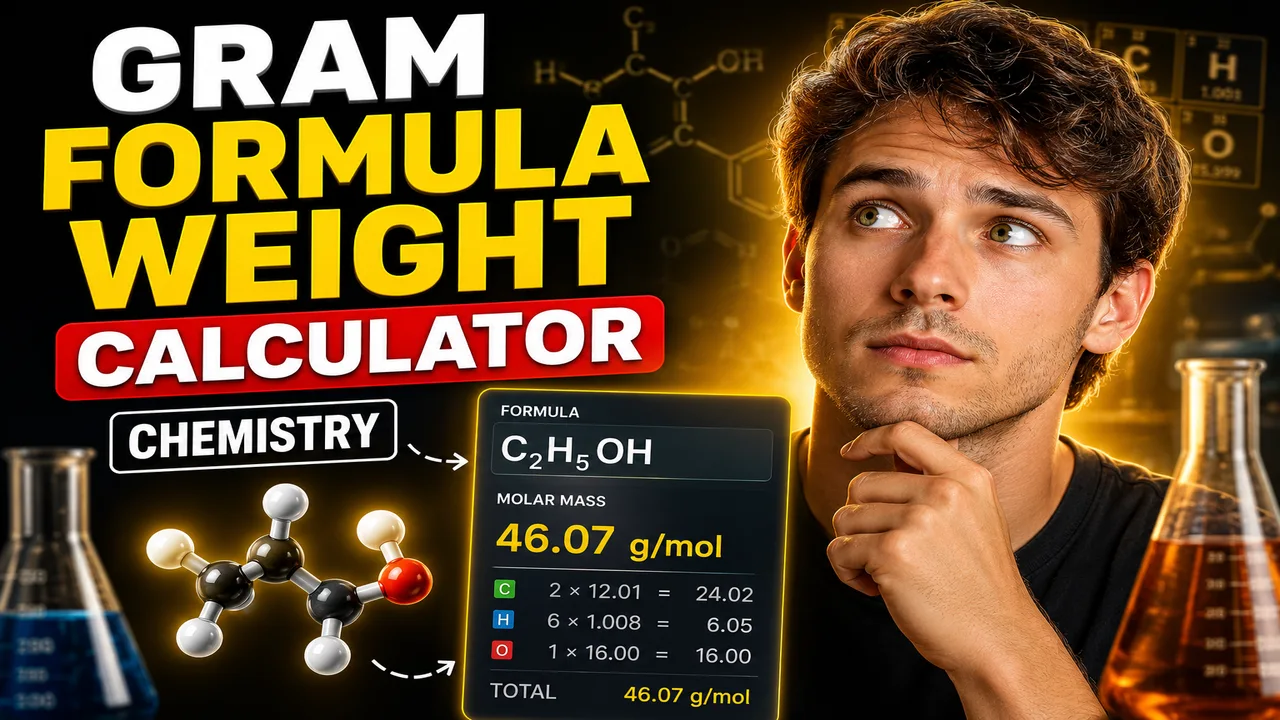
Gram Formula Weight Calculator Chemistry
TL;DR Summary
Gram Formula Weight Calculator Chemistry is designed to calculate the formula weight of a chemical compound from its chemical formula by adding the atomic masses of all atoms represented in that formula. Use the result for chemistry calculations and study work; the supplied tool materials do not specify how user-entered data is stored or transmitted, so avoid entering sensitive information.
About This Tool
Gram Formula Weight Calculator Chemistry is a chemistry calculation tool for finding the gram formula weight of a compound from its chemical formula. Formula weight is the total mass of all atoms represented by a chemical formula, expressed numerically in atomic mass units for a formula unit and commonly reported as grams per mole when used as a molar mass value.
This calculation is useful in general chemistry, laboratory preparation, stoichiometry, solution calculations, chemical education, and homework checking. It is especially helpful when a compound contains several elements or repeated groups and adding the atomic masses by hand would take extra time.
The basic idea is simple. A chemical formula tells you which elements are present and how many atoms of each element occur in one formula unit. The calculator applies the atomic weight of each element and multiplies that value by the number of atoms shown in the formula. It then adds the individual contributions to obtain the total formula weight.
For example, water is written as H2O. The formula contains two hydrogen atoms and one oxygen atom. Using common standard atomic weights, the calculation is:
Formula weight = (2 × atomic weight of H) + (1 × atomic weight of O)
Using H = 1.008 and O = 15.999 gives:
Formula weight = (2 × 1.008) + 15.999 = 18.015
The result is commonly stated as approximately 18.015 g/mol when the value is being used as the molar mass of water. IUPAC maintains and periodically reviews standard atomic-weight data; its current periodic-table page identifies the 2021 standard atomic-weight compilation as the basis for its latest periodic table release. :contentReference[oaicite:1]{index=1}
The calculator is intended for formulas where the elemental composition can be represented by standard chemical notation. A formula such as CO2 contains one carbon atom and two oxygen atoms. A formula such as CaCl2 contains one calcium atom and two chlorine atoms. Parentheses can represent repeated groups in more complex formulas, such as Ca(OH)2, where the hydroxide group occurs twice.
What Is Gram Formula Weight?
Gram formula weight is based on the sum of the atomic weights of the atoms in a chemical formula. For ionic compounds, the term formula weight is often preferred because ionic substances do not exist as separate molecules in the same way that many molecular substances do. For molecular substances, the closely related term molecular weight may be used.
In practical chemistry, the numerical value of formula weight in atomic mass units corresponds to the molar mass in grams per mole when the standard atomic-weight values are used. This makes the calculation useful for converting between chemical amounts and mass.
What You Need to Enter
The intended calculation requires a chemical formula that identifies the elements and their quantities. The supplied tool materials define the calculator engine and its supported input types, but they do not document the exact live field layout or the complete internal atomic-weight dataset. For that reason, the exact field labels and supported formula-entry features should be checked on the calculator itself rather than assumed from hidden implementation details. :contentReference[oaicite:2]{index=2}
When entering a formula, use correct element symbols. Element symbols are case-sensitive: Co means cobalt, while CO is not the standard way to write a compound containing cobalt and oxygen. Likewise, Na represents sodium, not two separate letters.
Subscripts are important because they change the number of atoms included in the calculation. H2O has two hydrogen atoms, while H2O2 has two hydrogen atoms and two oxygen atoms. A missing subscript means one atom.
How to Use
- Step 1: Enter the chemical formula of the compound using standard element symbols and subscripts.
- Step 2: Check the formula carefully, including capitalization, subscripts, and any parentheses or repeated groups.
- Step 3: Run the calculation to obtain the calculated formula weight.
- Step 4: Review the result and compare it with your expected value if you are checking a chemistry exercise or laboratory calculation.
- Step 5: Use the resulting value in later calculations such as mole-to-mass conversions or stoichiometric work when appropriate.
Technical Explanation and Formula
The standard calculation can be written as:
Formula weight = Σ(ni × Ai)
Here, ni is the number of atoms of element i in the chemical formula, and Ai is the atomic weight assigned to that element. The symbol Σ means that the contribution from every element is added together.
For a simple compound such as CO2:
Formula weight = (1 × C) + (2 × O)
Using common atomic weights of C = 12.011 and O = 15.999:
Formula weight = 12.011 + (2 × 15.999) = 44.009
The result is approximately 44.009 g/mol when interpreted as molar mass.
For a compound containing parentheses, the same principle applies after expanding the formula composition. For Ca(OH)2, the formula represents one calcium atom, two oxygen atoms, and two hydrogen atoms. The calculation therefore becomes:
Formula weight = (1 × Ca) + (2 × O) + (2 × H)
The exact internal parsing rules and rounding behavior of this particular calculator are not specified in the supplied tool documentation. Therefore, the formula above should be understood as the standard chemistry calculation for the stated purpose rather than a claim about an undocumented internal implementation. The calculator engine documentation also states that calculations should parse numeric inputs correctly and return supported calculation results. :contentReference[oaicite:3]{index=3}
Preset Examples and Quick Reference
| Formula | Element Count | Standard Calculation | Approx. Formula Weight |
|---|---|---|---|
| H2O | 2 H, 1 O | 2(1.008) + 15.999 | 18.015 |
| CO2 | 1 C, 2 O | 12.011 + 2(15.999) | 44.009 |
| NaCl | 1 Na, 1 Cl | 22.990 + 35.45 | 58.44 |
| CaCl2 | 1 Ca, 2 Cl | 40.078 + 2(35.45) | 110.98 |
These examples illustrate the calculation method. Small differences can occur when different atomic-weight tables or rounding conventions are used. IUPAC notes that standard atomic weights are reviewed periodically and that its periodic table reflects the latest released standard atomic-weight values. :contentReference[oaicite:4]{index=4}
Common Formula Entry Errors
Many incorrect formula-weight results come from the chemical formula rather than from the arithmetic. Check that every element symbol is correct, every subscript is included, and every parenthesis is placed correctly. For example, Ca(OH)2 is different from CaOH2 because the parentheses indicate that both O and H are multiplied by two.
Also check whether you are calculating the formula weight of an anhydrous compound or a hydrate. A hydrate such as CuSO4·5H2O includes water in its overall composition. If the calculator does not explicitly support hydrate notation, the formula may need to be handled according to the input features provided by the live tool.
Why Use This Gram Formula Weight Calculator Chemistry & How Our Calculator Beats the Competition
| Method | Ease of Use | Calculation Process | Best For | Limitations |
|---|---|---|---|---|
| Toolhox Calculator | Enter the formula and review the calculated result | Uses the standard formula-weight approach | Quick chemistry calculations and study checks | Exact supported formula syntax and atomic-weight dataset should be confirmed from the live tool |
| Manual Calculation | Requires more steps | Find atomic weights, multiply, and add | Learning the calculation method | More opportunity for arithmetic or transcription errors |
| Spreadsheet | Requires setup | Depends on formulas and stored atomic-weight data | Repeated or customized calculations | Needs a prepared worksheet and maintained data |
| Professional Chemistry Software | Varies by software | May provide broader chemical analysis features | Advanced chemistry workflows | May offer capabilities beyond what is needed for a simple formula-weight calculation |
The practical benefit of a dedicated calculator is that the user can focus on the chemical formula instead of repeatedly performing the same multiplication and addition by hand. It is still important to verify the formula and understand the atomic-weight values used.
Assumptions and Limitations
This calculator should be treated as a chemistry calculation aid, not as a substitute for checking a chemical formula, laboratory method, or professional technical work. The result depends directly on the formula entered and the atomic-weight data used by the calculator.
The supplied materials do not document the calculator's complete internal element database, exact parser, supported notation, or data-storage behavior. Therefore, users should follow the input instructions displayed by the live calculator. If a compound contains unusual isotope notation, variable composition, hydrates, coordination structures, or notation that the tool does not explicitly support, the result may require separate verification.
For laboratory work, always confirm the required molar mass and chemical identity against the relevant reference, product specification, certificate, or laboratory procedure. This is especially important when a small mass difference could affect an experimental result.
For standard educational calculations, the key rule remains straightforward: identify every element in the formula, determine how many atoms of each element are present, multiply each count by the corresponding atomic weight, and add the contributions. IUPAC provides the recognized reference framework for standard atomic weights and periodically updates its tables. :contentReference[oaicite:5]{index=5}
Q: What does Gram Formula Weight Calculator Chemistry calculate? A: It calculates the formula weight of a chemical compound by adding the atomic-weight contribution of every atom represented in the chemical formula. The numerical result can also be used as the molar mass in grams per mole when standard atomic weights are used. Q: What formula should I enter? A: Enter the chemical formula of the compound using standard element symbols, subscripts, and supported chemical notation. Check capitalization carefully because chemical symbols are case-sensitive. Q: How is formula weight calculated? A: Formula weight is calculated by multiplying the number of atoms of each element by that element's atomic weight and then adding all of the contributions together. The standard form is Formula weight = Σ(nᵢ × Aᵢ). Q: Is formula weight the same as molar mass? A: The numerical values are closely related. Formula weight is commonly expressed as a relative mass value for a formula unit, while molar mass is expressed in grams per mole. For many standard chemistry calculations, the numerical value is the same. Q: What happens if my compound has parentheses? A: Parentheses indicate that the group inside them is repeated. For example, Ca(OH)₂ contains one calcium atom, two oxygen atoms, and two hydrogen atoms. The exact support for complex notation depends on the live calculator's formula-entry rules. Q: Can I use the result for laboratory work? A: The result can support ordinary molar-mass and stoichiometric calculations, but important laboratory work should also be checked against the chemical formula, reference data, product documentation, and applicable laboratory procedures. Q: Why might my answer differ slightly from another calculator? A: Small differences can result from different atomic-weight tables, displayed precision, or rounding conventions. IUPAC periodically reviews standard atomic weights, so the reference data and rounding method should be considered when comparing results. HTML
