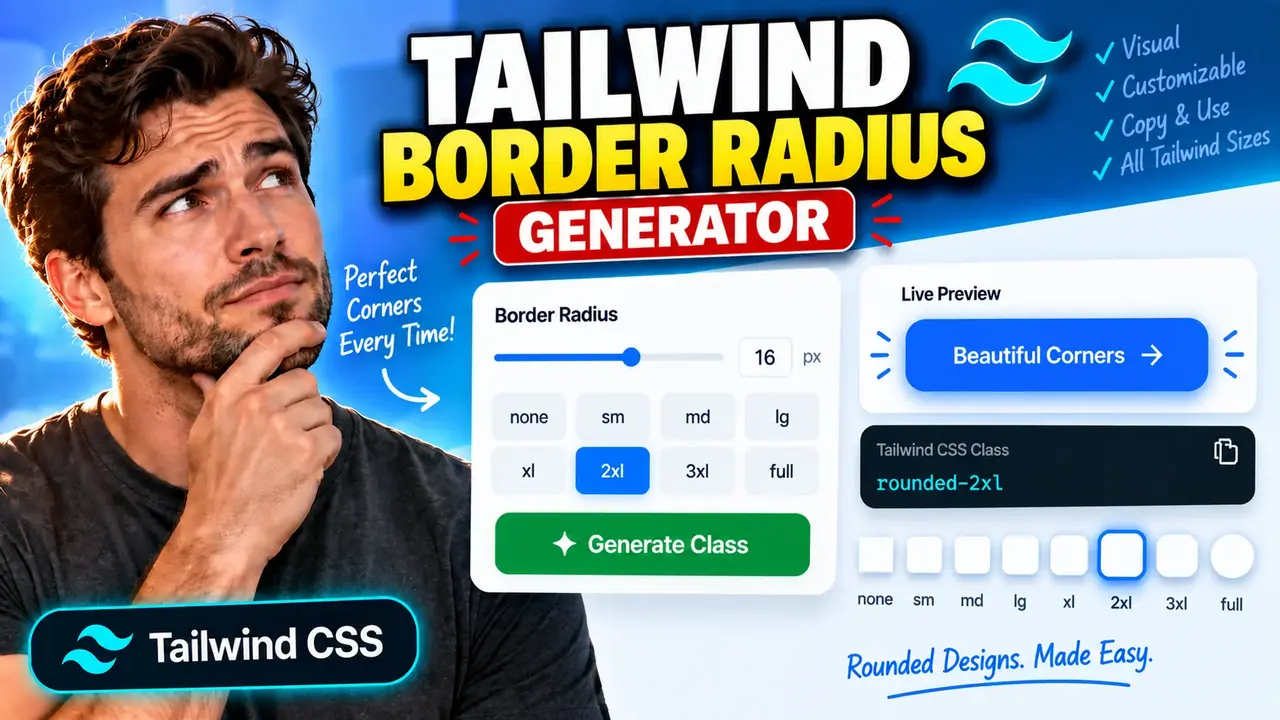
Tailwind Border Radius Generator
TL;DR Summary
Tailwind Border Radius Generator helps you create Tailwind CSS border-radius values and utility classes for rounded corners without manually working out the CSS syntax. Use the result as a practical frontend styling aid; privacy behavior is not specified here, so avoid entering sensitive information unless the page clearly explains how your data is handled.
About This Tool
The Tailwind Border Radius Generator is a web-based utility for developers and designers who need to create rounded-corner styles with Tailwind CSS. Border radius controls how much the corners of an element are rounded. A small radius creates a subtle curve, while a larger radius produces softer, more rounded corners. A very large value can create a pill or circular appearance when the element's dimensions allow it.
The main purpose of this tool is to make Tailwind border-radius styling easier to work with. Instead of repeatedly checking CSS syntax or remembering utility names, you can use the generator to explore a radius and obtain Tailwind-ready styling information. This can be useful when building buttons, cards, inputs, badges, images, panels, navigation elements, and other interface components.
Tailwind CSS uses utility classes to apply styles directly in markup. Border-radius utilities commonly begin with rounded. Examples include rounded-sm, rounded-md, rounded-lg, and rounded-full. Tailwind also supports more specific radius patterns, including separate utilities for individual corners and arbitrary values in brackets. The exact values and controls available in this generator should be taken from the current tool interface.
What Problem Does It Solve?
Choosing a border radius sounds simple, but small differences can change the look of an interface. A radius that is too small may make a modern card look rigid. A radius that is too large may make a control look overly soft. When several components need consistent corner styling, manually testing different values can also become repetitive.
This generator provides a focused way to work with border-radius settings for Tailwind CSS. It is particularly useful when you already know the visual shape you want but need a Tailwind-friendly representation of that choice.
Who Can Use It?
The tool is useful for frontend developers, UI designers, web designers, students learning Tailwind CSS, and anyone creating interfaces with Tailwind utility classes. It can also help when converting a visual design into frontend markup because the desired corner radius can be considered before the corresponding Tailwind class is added to a component.
Inputs and Outputs
The core input for a border-radius generator is the desired corner radius or radius configuration. Depending on the controls provided by the current tool, this may involve selecting or entering a radius value and choosing how that value applies to the element's corners.
The expected output is Tailwind CSS-oriented border-radius information, such as a utility class or class-ready value. Common Tailwind patterns include:
| Tailwind Pattern | Typical Use |
|---|---|
rounded |
Basic rounded corners |
rounded-sm |
Subtle rounding |
rounded-md |
Moderate rounding |
rounded-lg |
More noticeable rounded corners |
rounded-full |
Maximum-style rounding, often used for pills and circles |
These examples describe common Tailwind CSS utility patterns. They are a quick reference rather than a claim that every example is an output option in the generator.
How to Use
Step 1: Open the Tailwind Border Radius Generator and review the available border-radius controls.
Step 2: Choose or enter the radius value that matches the corner shape you want to create.
Step 3: Adjust individual corner settings if the tool provides separate controls for different corners.
Step 4: Review the generated Tailwind CSS output and check that it matches the intended design.
Step 5: Copy the generated Tailwind utility or value into the relevant HTML, component, or template.
Step 6: Preview the component in your project and adjust the radius if the final design needs a different level of rounding.
Technical Explanation / Formula
Border radius is normally a CSS length or percentage that controls the curve applied to an element's corners. Unlike a calculator that produces a derived numerical result, a Tailwind border-radius generator primarily maps a desired radius setting to Tailwind CSS syntax.
A standard CSS declaration can be represented as:
border-radius: R;
where R is the selected radius value and may use a CSS-supported unit such as pixels, rem, or a percentage, depending on the value being used.
Tailwind CSS expresses the same styling through utility classes. For example, a class such as rounded-lg represents a predefined border-radius value from the Tailwind theme, while an arbitrary-value pattern such as rounded-[12px] can represent a specific CSS length when supported by the Tailwind version and project configuration.
For individual corners, CSS can also define separate values for the top-left, top-right, bottom-right, and bottom-left corners. This means a generator that exposes per-corner controls can represent asymmetric designs rather than applying one radius to every corner.
There is no single mathematical formula that converts a visual preference into a universally correct radius. The important operation is the mapping between the chosen radius configuration and valid Tailwind CSS syntax. Exact internal implementation details of this generator are not provided, so the generated output on the tool page should be treated as the source of truth for its supported controls and formatting.
Preset Examples / Quick Reference
These examples can help explain common Tailwind border-radius choices:
| Design Goal | Common Tailwind Pattern |
|---|---|
| Slightly rounded component | rounded-sm |
| Moderately rounded card | rounded-md |
| Clearly rounded card or button | rounded-lg |
| Highly rounded component | rounded-xl |
| Pill or circular-style shape | rounded-full |
| Specific custom radius | rounded-[12px] |
For example, if a design calls for a card with a moderate amount of rounding, a Tailwind utility such as rounded-md may be appropriate. If the design specification instead calls for an exact 12px radius, an arbitrary-value utility such as rounded-[12px] can express that value when supported by the project's Tailwind setup.
Why Use This Tailwind Border Radius Generator & How Our Tailwind Border Radius Generator Beats the Competition
The practical value of a dedicated generator is that it focuses specifically on border-radius styling rather than requiring users to build the value manually. However, different methods remain useful in different situations.
| Method | Ease of Use | Calculation Speed | Best For | Limitations |
|---|---|---|---|---|
| Toolhox Tailwind Border Radius Generator | Focused interface for radius generation | Interactive use | Developers and designers working with Tailwind border radius | Output depends on the controls and functionality provided by the current tool |
| Manual CSS | Requires knowledge of CSS syntax | Fast for experienced developers | Direct CSS editing and custom styling | Users must choose and write the values themselves |
| Spreadsheet Calculation | Requires setup | Depends on the spreadsheet | Projects involving structured value lists or design systems | Not designed specifically for Tailwind class generation |
| Generic Online CSS Tool | Varies by tool | Varies by tool | General CSS border-radius work | May not focus on Tailwind utility syntax |
| Professional Design Software | Can require a larger workflow | Depends on the application | Full visual design and component work | More than is needed for a simple border-radius-to-Tailwind task |
The comparison is about workflow differences, not a claim that one method is universally superior. Manual CSS may be enough for a developer who already knows the required syntax, while a focused generator can be useful when the goal is to translate a radius choice into Tailwind-oriented output.
Assumptions and Limitations
The generator should be treated as a frontend styling aid rather than a substitute for testing the final interface. The appearance of a radius depends on the element's size, shape, dimensions, and surrounding design. The same radius can look different on a small button and a large card.
Tailwind CSS also changes between versions, and projects can customize their design tokens and theme values. A utility that exists in one Tailwind setup may not behave exactly the same way in another. Always verify the generated class against the Tailwind version and configuration used by your project.
For custom values, check that the resulting syntax is supported by your project's Tailwind configuration and build process. If a class does not produce the expected style, inspect the generated CSS and your Tailwind content configuration.
The tool does not replace browser testing. After copying the output, inspect the actual component at the sizes and responsive breakpoints used by your project. For design systems, also consider whether the selected radius is consistent with the project's existing spacing, component, and visual rules.
Privacy behavior for this tool is not specified in the supplied information. Do not enter passwords, private source code, personal information, API keys, or other sensitive data unless the page clearly explains how submitted information is handled.
