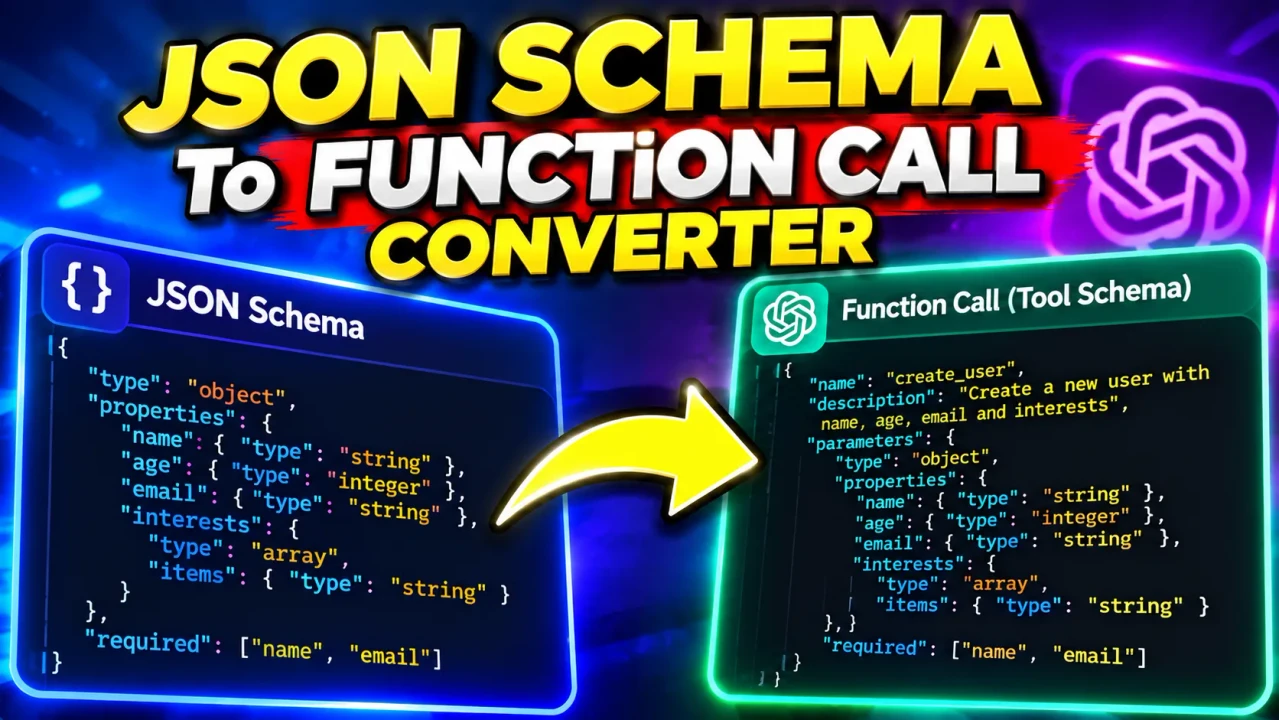
What Is the JSON Schema to Function Call Converter
The JSON Schema to Function Call Converter is a free online tool that turns a standard JSON Schema into a production-ready AI function or tool definition. Paste a schema, pick OpenAI Responses, OpenAI Chat, or MCP 2026-07-28, and get a validated definition plus a realistic example call. It is ideal for wiring APIs into agents, chatbots, and MCP servers without hand-editing tool JSON.
Why Compatibility Analysis Matters
A schema that validates fine on its own can still be rejected by a provider: OpenAI strict mode requires every property in required and additionalProperties false on every object, while MCP requires an object root. This tool lints against the selected target profile so you see errors before you paste, instead of debugging provider rejections.
How to Use the Converter
Paste your JSON Schema, enter a function name, pick the target and strict mode, then press Convert. Review the Analysis pane for errors and transformations, copy the Function Output, and use the Example Call as a test payload.
Features You Will Love
- Three targets: OpenAI Responses, OpenAI Chat tools, and MCP 2026-07-28 inputSchema.
- Target-driven lint: diagnostics change with the selected provider and strict flag.
- Safe strict transforms: optional properties become required plus nullable only in compatibility mode, always recorded.
- First-class $ref: preserve, inline, or auto modes with recursion bounds and no network fetches.
- Validated examples: every example is generated from the transformed schema.
- Private by design: nothing is uploaded; everything runs in your browser.
Who Benefits From This Tool
Developers building AI agents, teams standardizing function schemas across OpenAI and MCP, and anyone converting existing JSON Schemas into tool definitions will save time. If you maintain APIs and want them callable from LLMs, start here.
Understanding the Output: Definition vs Example Call
The Function Output tab is the tool definition to register with the provider. The Example Call tab is a valid arguments payload derived from the transformed schema, useful for testing. Do not confuse the two: one declares the shape, the other fills it.
Tips for Great Function Schemas
Keep objects rooted at type object, add descriptions to every property, prefer enums over free text where possible, set additionalProperties false for strict targets, and keep $refs same-document with $defs for maximum portability.
Privacy and Security
Everything runs locally in your browser. Schemas never leave your device, remote $refs are never fetched, and there are no accounts or usage limits. For shared machines, clear the input after copying secrets or internal field names.
Frequently Asked Questions
Common questions about strict mode, $ref handling, OpenAI versus MCP output shapes, and example generation are answered in the FAQs tab above. If you need more help, reach out through our Contact page.
Start Converting Schemas Now
No sign-ups, no downloads. Paste a schema, pick a target, and copy a validated function definition. Bookmark this page for your next agent build.