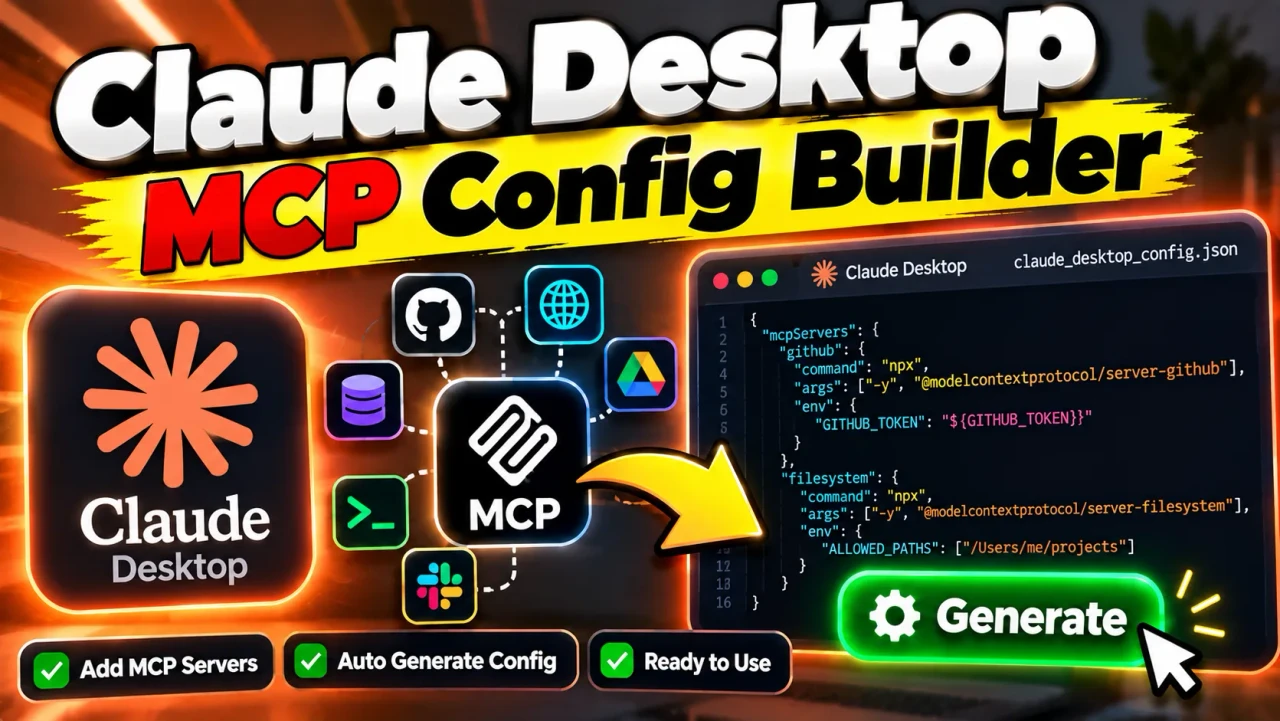
Claude Desktop MCP Config Builder
TL;DR Summary
Claude Desktop MCP Config Builder is a utility for creating configuration data for Model Context Protocol (MCP) servers used with Claude Desktop. The supplied tool information does not document its exact fields, validation rules, generated output, or data-handling behavior, so users should treat the generated configuration as setup assistance and review it before use.
About This Tool
Claude Desktop MCP Config Builder is designed around a common developer task: preparing MCP server configuration for Claude Desktop. MCP, or Model Context Protocol, is a standard used to connect AI applications with external tools and data sources. A configuration tells a compatible client which MCP server to use and how that server should be started or reached.
The main purpose of a Claude Desktop MCP Config Builder is to reduce the need to write configuration JSON by hand. Instead of manually creating nested objects, entering command arguments, and checking punctuation, a builder can provide structured fields and then produce configuration text that can be copied into the appropriate Claude Desktop configuration file.
This type of tool is useful for developers, AI power users, automation builders, and anyone setting up an MCP server for Claude Desktop. It can be especially helpful when a server requires several configuration values, such as a server name, command, command-line arguments, or environment variables.
What You May Configure
The exact inputs available in the supplied Toolhox tool are not documented in the provided source material. Therefore, this page does not assume that every possible MCP option is supported. In a typical Claude Desktop MCP configuration, users may need information such as a server identifier, the executable command used to start a local server, command arguments, and optional environment variables.
A typical configuration concept looks like this:
{
  "mcpServers": {
    "server-name": {
      "command": "your-command",
      "args": [
        "argument-1",
        "argument-2"
      ],
      "env": {
        "KEY": "value"
      }
    }
  }
}
This example is a general MCP configuration pattern, not a claim about the exact output produced by the Toolhox implementation. The actual fields and formatting should always be checked against what the tool displays.
What the Output Is Used For
The expected purpose of the output is to provide configuration that can be reviewed and then used with Claude Desktop. A generated configuration may contain JSON objects and arrays representing MCP server settings. The resulting text is configuration data rather than a conversational answer or a calculation.
Because MCP servers can be configured in different ways, the meaning of each field depends on the server being connected. A command can identify the program used to launch a local server. Arguments can provide paths, package names, flags, or other startup values. Environment variables can provide settings required by the server. The builder should therefore be used together with the documentation for the MCP server being configured.
How to Use Claude Desktop MCP Config Builder
- Step 1: Open the Claude Desktop MCP Config Builder and review the configuration fields provided by the tool.
- Step 2: Enter the MCP server information requested by the builder, using the server's own setup documentation as the source for commands, arguments, paths, and other values.
- Step 3: Review every generated field for spelling, paths, commands, arguments, and environment-variable names.
- Step 4: Generate or copy the configuration provided by the tool.
- Step 5: Place the configuration in the Claude Desktop configuration location required by your operating system and Claude Desktop version.
- Step 6: Restart or reload Claude Desktop if required, then check whether the configured MCP server is available.
- Step 7: If the server does not connect, compare the generated configuration with the MCP server's current documentation and check the command, paths, arguments, and environment variables.
Technical Explanation
Unlike a calculator, Claude Desktop MCP Config Builder does not have a single mathematical formula. Its underlying task is configuration generation. The general logic is to collect configuration values and represent them in the structure expected by the target client.
For a local MCP server using a command-based configuration, the common structure contains a top-level mcpServers object. Each server can have its own identifier and configuration properties. A simplified representation is:
Configuration
→ mcpServers
→ server identifier
→ command
→ optional arguments
→ optional environment variables
The important distinction is that configuration syntax and MCP server behavior are separate concerns. The builder can help structure configuration values, but the MCP server itself determines what its command, arguments, paths, credentials, and other settings mean.
For example, if a server requires a directory path, the path must point to a location that the server can actually access. If a server requires an API credential, the credential must be supplied in the manner supported by that server and client. A configuration can be valid JSON and still fail to start a server if the command, package, path, permission, or environment setting is incorrect.
Preset Examples and Quick Reference
| Configuration Element | Purpose | Example Type |
|---|---|---|
| Server name | Identifies an MCP server in the configuration | Text identifier |
| Command | Specifies the program or executable used to start a local server | Command name or executable path |
| Arguments | Provides values or options to the command | Text values or command-line flags |
| Environment variables | Provides server-specific environment settings when supported | KEY=value pairs |
| Generated configuration | Represents the entered settings in configuration format | JSON |
These are common MCP configuration concepts and should not be interpreted as a complete list of fields available in the Toolhox implementation. The actual builder interface remains the source for its supported inputs.
Example Configuration
A generic example of the type of configuration commonly used for a local MCP server is:
{
  "mcpServers": {
    "example-server": {
      "command": "example-command",
      "args": [
        "example-argument"
      ]
    }
  }
}
The values above are placeholders. They are not a recommendation to install or run a particular MCP server. Replace them only with values supplied by the documentation for the server you intend to use.
Why Use This Claude Desktop MCP Config Builder & How Our Claude Desktop MCP Config Builder Beats the Competition
The practical value of a configuration builder is that it gives users a structured way to prepare configuration instead of manually assembling JSON. Different approaches have different trade-offs, and the right choice depends on how often you configure MCP servers and how much control you need.
| Method | Ease of Use | Calculation / Setup Speed | Best For | Limitations |
|---|---|---|---|---|
| Toolhox Claude Desktop MCP Config Builder | Structured tool-based workflow | Designed to reduce manual configuration work | Users who want a dedicated MCP configuration workflow | Actual supported fields and validation depend on the supplied implementation |
| Manual JSON editing | Requires knowledge of the configuration format | Can be quick for simple, familiar configurations | Experienced users who want direct control | Syntax and configuration mistakes must be found manually |
| Spreadsheet or notes | Easy for recording values | Requires a separate step to create valid configuration | Planning server settings before implementation | Does not itself produce a client-ready configuration unless additional work is done |
| Professional development tools | Depends on the tool and workflow | Can support broader development tasks | Complex software projects and custom workflows | May provide more functionality than needed for a simple MCP configuration task |
Assumptions and Limitations
The supplied information identifies the product as Claude Desktop MCP Config Builder, but it does not provide the actual implementation, screenshots of its controls, generated examples, or a documented privacy policy. As a result, this page does not claim that the Toolhox version supports particular presets, automatic validation, multiple clients, downloads, local-only processing, server-side storage, or any specific authentication method unless those features are shown by the live tool.
Users should also remember that configuration generation does not guarantee that an MCP server will run successfully. The server may require a particular runtime, package, operating-system permission, executable path, network connection, authentication method, or version. The configuration must match the requirements of the specific MCP server and Claude Desktop version in use.
Do not enter sensitive credentials unless the tool clearly explains how those values are handled. The supplied tool information does not establish whether configuration values are processed locally, transmitted to a server, logged, or stored.
A generated configuration should be reviewed before it is copied into an application configuration file. Check commands, arguments, paths, environment variables, and server names carefully. If the configuration controls access to files, databases, APIs, or other external systems, review the permissions granted to the MCP server as well.
Claude Desktop MCP Config Builder is therefore best understood as a configuration aid. It can help organize the information needed for MCP setup, but it does not replace the documentation for the MCP server, Claude Desktop, the operating system, or any service that the MCP server connects to.
Source note: The supplied source material establishes the SEO-content requirements and identifies the tool as “Claude Desktop MCP Config Builder”; it does not provide the tool's internal implementation or a complete feature specification. :contentReference[oaicite:0]{index=0}