Kg To Moles Calculator For Chemistry Problems
Calculate moles from kilograms using molar mass. Convert kg to grams and find the amount of substance in moles for chemistry problems.
Please complete this field to continue.
Please complete this field to continue.
Results
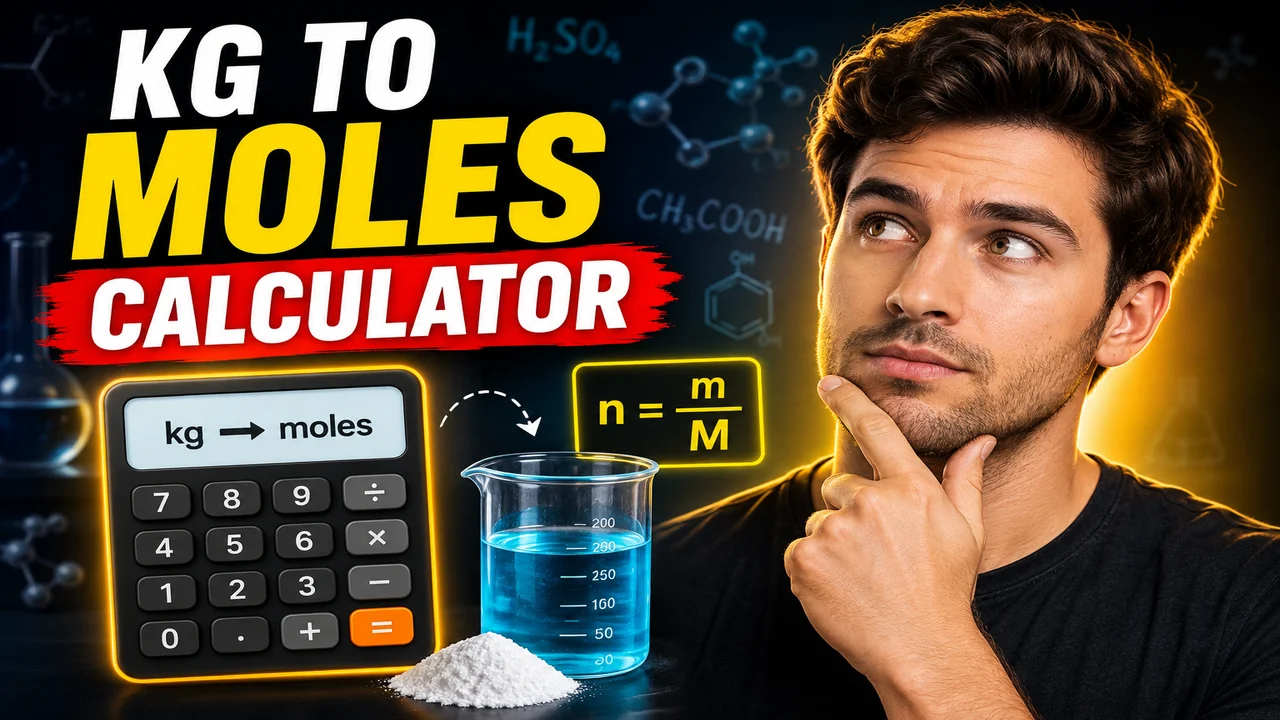
Kg To Moles Calculator For Chemistry Problems
TL;DR Summary
The Kg To Moles Calculator For Chemistry Problems converts a substance's mass in kilograms into an amount in moles using its molar mass in grams per mole. It is intended for chemistry calculations and estimates based on the values entered; privacy behavior is not specified by the supplied tool information, so avoid entering sensitive information unless the page explains how submitted data is handled.
What Is the Kg To Moles Calculator For Chemistry Problems?
The Kg To Moles Calculator For Chemistry Problems is a chemistry conversion tool for finding the number of moles in a given mass of a substance. It is useful when a chemistry problem gives you an amount in kilograms but the next step of the problem requires moles.
A mole is a standard chemistry unit for measuring the amount of a substance. Many chemistry equations use moles rather than mass because chemical reactions are based on the number of particles involved. Converting mass to moles is therefore a common step in stoichiometry, reaction calculations, solution chemistry, and other chemistry problems.
This calculator uses two values: the mass of the substance in kilograms and its molar mass in grams per mole. The calculator first converts kilograms to grams, then divides the mass in grams by the molar mass. The result is the amount of substance in moles.
Who Can Use This Calculator?
This calculator can be useful for high school and college chemistry students, teachers preparing practice problems, laboratory users checking routine calculations, and anyone who needs to convert a known mass into moles. It can also help when checking a hand calculation before using the result in a larger chemistry equation.
The tool is especially useful when the mass is given in kilograms. Chemistry references commonly list molar mass in grams per mole, so the kilogram-to-gram conversion is an important part of the calculation. The calculator handles that conversion as part of the standard calculation.
What Inputs Do You Need?
The calculator requires two inputs.
- Mass: Enter the amount of the substance in kilograms (kg).
- Molar Mass: Enter the substance's molar mass in grams per mole (g/mol).
The molar mass is normally obtained from the chemical formula and the atomic masses of the elements in the substance. For example, water, H2O, has a molar mass of about 18.015 g/mol when standard atomic masses are used. The calculator does not determine the chemical formula or identify a substance from its name; the molar mass must be supplied as an input.
What Does the Calculator Produce?
The main result is the amount of substance in moles (mol). The calculator also shows the entered mass in kilograms and the corresponding mass after conversion to grams. Showing the intermediate mass in grams makes the calculation easier to check because the molar mass input is expressed in g/mol.
For example, if you enter 2 kg of water and use a molar mass of 18.015 g/mol, the mass is first converted to 2,000 grams. The number of moles is then calculated as 2,000 ÷ 18.015, which is approximately 111.0186 mol.
How to Use
- Step 1: Enter the mass of the substance in kilograms in the Mass field.
- Step 2: Enter the substance's molar mass in grams per mole (g/mol) in the Molar Mass field.
- Step 3: Review the converted mass in grams shown by the calculator.
- Step 4: Read the calculated amount in moles (mol).
- Step 5: Use the mole value in the next step of your chemistry problem, such as a stoichiometric calculation.
Technical Explanation and Formula
The standard chemistry formula for converting mass to moles is:
moles = mass ÷ molar mass
Because this calculator accepts mass in kilograms while molar mass is entered in grams per mole, the mass must first be converted from kilograms to grams.
Mass in grams = Mass in kilograms × 1,000
The complete calculation is therefore:
Moles = (Mass in kg × 1,000) ÷ Molar Mass in g/mol
The variables are:
| Variable | Meaning | Unit |
|---|---|---|
| Mass | Amount of the substance entered by the user | kg |
| Mass in grams | Mass after converting kilograms to grams | g |
| Molar mass | Mass of one mole of the substance | g/mol |
| Moles | Calculated amount of substance | mol |
The unit conversion works because 1 kilogram equals 1,000 grams. For example, 0.5 kg becomes 500 g. If the molar mass is 50 g/mol, the calculation is 500 ÷ 50 = 10 mol.
Worked Example
Suppose a chemistry problem asks for the number of moles in 3 kg of a substance with a molar mass of 60 g/mol.
- Step 1: Convert kilograms to grams: 3 kg × 1,000 = 3,000 g.
- Step 2: Divide the mass by the molar mass: 3,000 g ÷ 60 g/mol = 50 mol.
- Step 3: The result is 50 mol.
The calculator follows this same standard calculation. It does not need to know the chemical name when the correct molar mass is already available.
Choosing the Correct Molar Mass
The molar mass is one of the most important inputs because the final mole value depends directly on it. Use the molar mass that matches the chemical substance in your problem. For a compound, calculate its molar mass from the chemical formula using the appropriate atomic masses.
For example, if a problem concerns H2O, the molar mass should correspond to water. If the problem concerns CO2, use the molar mass of carbon dioxide instead. Using the wrong molar mass will produce a mathematically valid result for the wrong substance.
When a chemistry assignment provides a molar mass, use the value supplied by the assignment when appropriate. This can help keep your answer consistent with the rounding or atomic-mass values expected in that problem.
Rounding and Significant Figures
The calculator displays the calculated mole result to six decimal places. This display rounding is for presenting the result. In chemistry work, the number of significant figures you should report may depend on the significant figures of the original mass and molar mass.
For a school or laboratory problem, follow the significant-figure instructions provided with the problem. Do not automatically treat six displayed decimal places as six significant figures. Display precision and scientifically appropriate reporting precision are not always the same.
Preset Examples and Quick Reference
| Mass | Molar Mass | Calculation | Moles |
|---|---|---|---|
| 1 kg | 10 g/mol | 1,000 ÷ 10 | 100 mol |
| 2 kg | 20 g/mol | 2,000 ÷ 20 | 100 mol |
| 0.5 kg | 50 g/mol | 500 ÷ 50 | 10 mol |
| 3 kg | 60 g/mol | 3,000 ÷ 60 | 50 mol |
Why Use This Kg To Moles Calculator For Chemistry Problems & How Our Calculator Beats the Competition
The main practical benefit of a dedicated kg-to-moles calculator is that it focuses on the specific conversion required by this type of chemistry problem. It makes the kilogram-to-gram conversion explicit before applying the mass-to-moles formula.
| Method | Ease of Use | Calculation Speed | Best For | Limitations |
|---|---|---|---|---|
| Toolhox Calculator | Enter mass and molar mass directly | Produces the calculation after inputs are entered | Routine kg-to-moles chemistry calculations | Requires the correct molar mass as an input |
| Manual Calculation | Requires the user to write each step | Depends on the user's arithmetic | Learning and showing calculation steps | Manual unit conversion and arithmetic are required |
| Spreadsheet Calculation | Requires a spreadsheet setup | Can recalculate entered values | Repeated calculations or custom worksheets | Requires a suitable formula and spreadsheet structure |
| Professional Chemistry Software | Varies by software | Depends on the software and workflow | Larger chemistry workflows and specialized analysis | May provide capabilities beyond what is needed for a simple mass-to-moles conversion |
Assumptions and Limitations
This calculator uses the standard mass-to-moles relationship. It assumes that the entered mass is expressed in kilograms and that the entered molar mass is expressed in grams per mole. The kilogram-to-gram conversion is fixed at 1,000 grams per kilogram.
The calculator does not determine whether the substance name, chemical formula, or molar mass entered by the user is correct. It also does not identify impurities, mixtures, experimental measurement errors, or special chemical conditions. The quality of the result depends on the quality and units of the values entered.
A negative mass is not accepted as a valid physical input, and the molar mass must be greater than zero. A zero mass produces zero moles when paired with a valid positive molar mass.
This tool is intended for straightforward chemistry calculations. It should not be treated as a complete chemistry analysis system. If the mole value will be used for laboratory preparation, regulated work, safety decisions, or another situation where an incorrect calculation could cause harm, verify the inputs and final result using the relevant laboratory procedure, textbook, instructor, or qualified professional.
Understanding the Result
The final result is an amount of substance measured in moles. A larger mass generally produces more moles when the molar mass stays the same. A larger molar mass produces fewer moles for the same mass because each mole contains more mass.
Remember that moles are not the same as grams or kilograms. Mass describes how much something weighs, while moles describe the amount of substance. The conversion between them depends on molar mass.
For this reason, the Kg To Moles Calculator For Chemistry Problems is most useful when you already know the subs:contentReference[oaicite:0]{index=0} Enter the values with their correct units, check the result, and then use the mole value in the larger chemistry problem.
:contentReference[oaicite:0]{index=0}:contentReference[oaicite:1]{index=1}
