Next.js Middleware Matcher Regex Generator
Easily build and test regex for Next.js middleware matchers. The 2026 Regex Generator helps developers streamline routing, improve accuracy, and save time.
Matcher coverage is not an authorization boundary — enforce authorization inside Server Functions.
100% private — generation runs in your browser. Matchers must be statically analyzable constants.
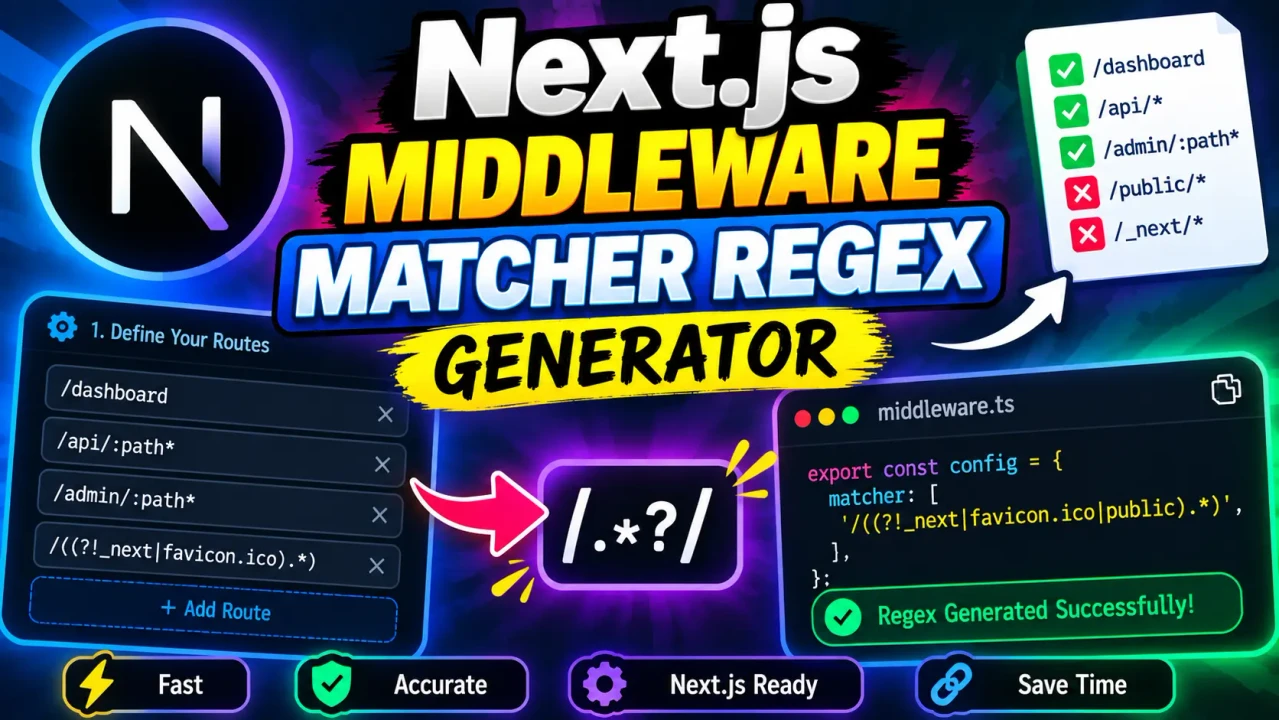
Next.js Middleware Matcher Regex Generator
TL;DR Summary
The Next.js Middleware Matcher Regex Generator helps developers build a regular expression pattern for use with a Next.js middleware matcher based on the route or path they want to target. The exact internal implementation and privacy behavior were not provided with the tool context, so treat the generated pattern as a development aid and review the resulting regex before using it in production.
About This Tool
The Next.js Middleware Matcher Regex Generator is a developer utility for creating regex patterns intended for Next.js middleware route matching. It is designed for situations where you need middleware to run for some request paths while excluding others. Instead of writing a matcher pattern from scratch, you can use the generator to describe the route pattern you need and obtain a regex-oriented result that can be reviewed and used in your Next.js configuration.
Next.js middleware can be used to handle requests before they reach the application route. A matcher helps limit which paths trigger that middleware. This is useful when middleware should apply to selected pages, API paths, or groups of routes rather than every request. Regex becomes especially useful when the matching rule contains several related paths or when certain paths need to be excluded.
This tool is intended for developers working with Next.js applications, JavaScript or TypeScript projects, routing rules, and middleware configuration. It can also be useful when reviewing an existing matcher or when you want a readable starting point before adding a more complex route condition to a project.
What You Enter
The supplied tool context identifies this utility as a Next.js Middleware Matcher Regex Generator, but it does not provide a confirmed list of its exact form fields or internal generation rules. The appropriate input is therefore the route or path-matching requirement you want to express. Depending on the implementation presented on the tool page, this may include paths, route patterns, exclusions, or related matcher options.
Do not assume that every Next.js matcher option is supported unless it is shown by the actual interface. If the tool provides separate fields for included routes and excluded routes, enter each requirement according to the field labels. If it provides a single pattern field, describe or enter the route pattern supported by that field.
What the Tool Produces
The expected output is a regular expression or regex-style matcher pattern that can be reviewed for use with Next.js middleware routing. The generated result should be treated as code intended to express a route-matching rule. Before adding it to a production application, check that the pattern matches the intended URLs and does not accidentally include or exclude routes that middleware should handle differently.
A regex matcher generally consists of characters that describe which strings should match. Literal path characters represent themselves, while regex operators can represent groups, alternatives, repetitions, or exclusions. A matcher can therefore express a broader routing rule than a simple literal path.
How to Use
- Step 1: Identify the Next.js routes or URL paths that should trigger your middleware.
- Step 2: Enter the supported route, path, inclusion, exclusion, or matcher information shown by the generator.
- Step 3: Generate the matcher regex using the tool's output control.
- Step 4: Review the generated expression and compare it with the routes your application actually serves.
- Step 5: Place the reviewed matcher in the appropriate Next.js middleware configuration used by your project.
- Step 6: Test matching and non-matching routes before relying on the rule in a production deployment.
Technical Explanation
This is a generator rather than a mathematical calculator, so there is no numeric calculation formula to report. The standard logic for a regex matcher is to translate a route requirement into a regular expression that can test whether a request path satisfies that requirement.
For example, a simple path such as /dashboard can be represented as a literal route pattern. A regex can also express alternatives when multiple paths share a rule. Common regex concepts include:
| Regex concept | Purpose |
|---|---|
| Literal text | Matches the specified characters or path segment. |
| |
Represents an alternative between expressions. |
(...) |
Groups part of an expression. |
^ |
Can represent the beginning of the string in standard regex syntax. |
$ |
Can represent the end of the string in standard regex syntax. |
.* |
Can represent a sequence of characters in standard regex syntax. |
The exact syntax required by a Next.js matcher can depend on how the matcher is configured and on the pattern produced by the tool. For that reason, the table above is a general regex reference, not a claim about every expression the generator accepts or produces.
Example Route-Matching Scenarios
Consider a project where middleware should apply to a group of protected application routes. A developer might need a rule that covers paths under a common prefix such as /dashboard. A regex-based matcher can express the relationship between that prefix and the paths below it rather than requiring a separate rule for every individual page.
Another common case is excluding selected paths. For example, a project may have application pages that need middleware while certain public or static paths should not trigger the same logic. Regex can express inclusion and exclusion patterns, but these expressions should always be tested because a small syntax change can alter the set of matching URLs.
Quick Reference
| Task | What to Check |
|---|---|
| Match one route | Confirm the generated expression targets the intended path. |
| Match a route group | Check that child paths are included as intended. |
| Exclude routes | Test both excluded and included paths. |
| Use in middleware | Verify the generated syntax against your Next.js version and configuration. |
| Debug a matcher | Test representative URLs, including edge cases. |
Why Regex Testing Matters
A regex can be technically valid while still matching the wrong routes. This is one of the main limitations of any matcher generator. A pattern may be broader than expected, may fail to match a nested path, or may interact differently with route syntax than a developer expects.
For that reason, do not judge a generated matcher only by whether it looks correct. Test positive cases that should trigger middleware and negative cases that should not. Include nested paths, paths with similar names, and any exclusions represented by your rule.
Why Use This Next.js Middleware Matcher Regex Generator & How Our Next.js Middleware Matcher Regex Generator Compares
| Method | Ease of Use | Pattern Creation | Best For | Limitations |
|---|---|---|---|---|
| Toolhox Next.js Middleware Matcher Regex Generator | Uses a dedicated generator interface | Produces a matcher-oriented regex result | Developers who want a starting matcher pattern | Exact supported inputs and internal generation rules must be checked on the tool page. |
| Manual regex writing | Requires regex knowledge | Written directly by the developer | Custom patterns and full manual control | Syntax mistakes or overly broad patterns are possible. |
| Spreadsheet calculation | Not designed for regex generation | Requires custom formulas or text manipulation | Structured data work rather than middleware matchers | Does not provide a purpose-built Next.js matcher workflow. |
| Professional development tools | Depends on the specific tool | May support code editing and testing | Larger development and debugging workflows | May require more setup than a focused generator. |
The practical value of a dedicated generator is that it focuses the task on creating a matcher rather than requiring every developer to construct the entire regular expression manually. Manual writing still gives the developer direct control, while a full development environment may provide broader debugging features. These approaches serve different needs and are not interchangeable in every project.
Assumptions and Limitations
The supplied tool information does not expose the exact internal implementation, complete input form, supported options, or data-processing behavior. This page therefore describes the standard purpose of a Next.js middleware matcher regex generator without claiming hidden implementation details.
The generated pattern is not a guarantee that middleware will behave correctly in every application. Your Next.js version, route structure, matcher configuration, application requirements, and edge cases can affect the final behavior. Always review the generated expression and test it against actual routes before deployment.
Do not use the generated result as a substitute for understanding your application's routing rules. A matcher that is too broad can cause middleware to run on requests that were not intended to be handled. A matcher that is too narrow can prevent middleware from running where it is needed.
The tool's privacy behavior was not provided in the supplied context. Avoid entering sensitive information unless the page clearly explains how submitted data is handled. The generator should be treated as a development utility, and its output should be reviewed before being added to application code.
For production applications, test both matching and non-matching routes. Pay particular attention to authentication routes, API endpoints, static resources, nested paths, and exclusions when those are part of your middleware design.