Voltage Regulation Percentage Calculator Interactive
Use the Voltage Regulation Percentage Calculator Interactive to calculate voltage regulation from no-load and full-load voltages and see the voltage difference.
Please complete this field to continue.
Please complete this field to continue.
Results
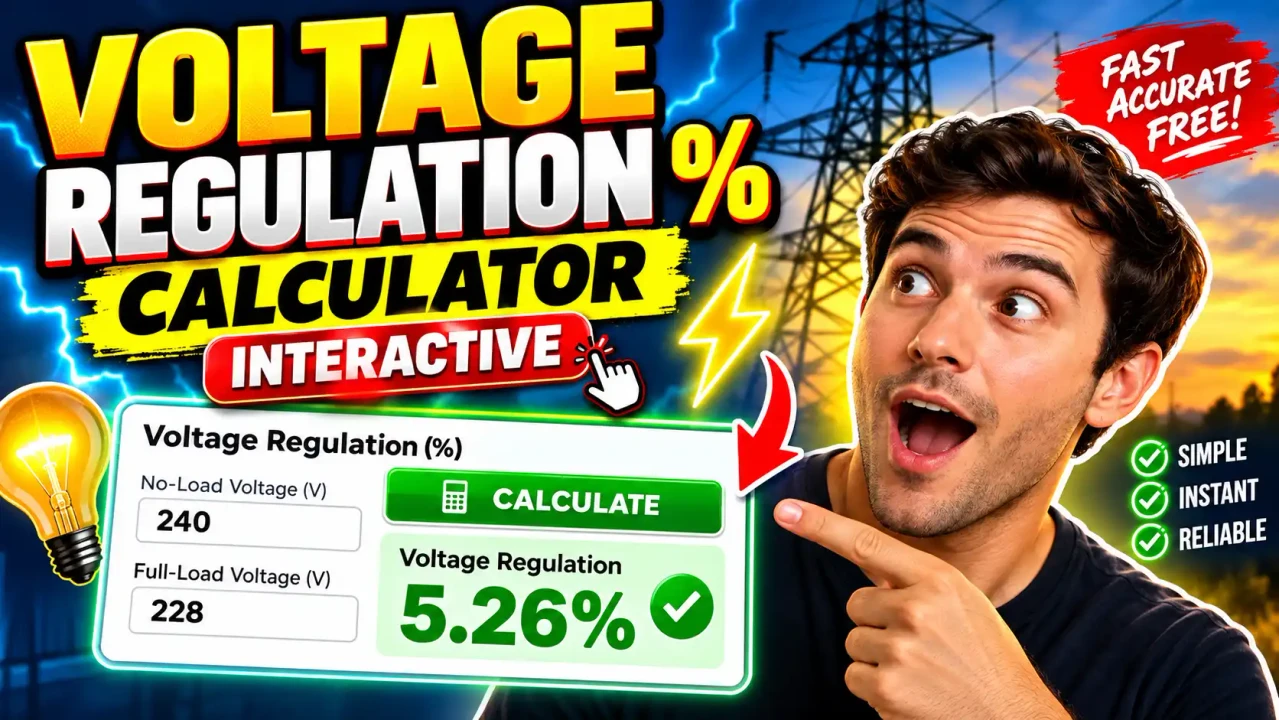
Voltage Regulation Percentage Calculator Interactive
TL;DR Summary
The Voltage Regulation Percentage Calculator Interactive calculates voltage regulation from a no-load voltage and a full-load voltage, and also shows the voltage difference in volts. It is a calculation aid based on the standard voltage-regulation formula and should not be treated as a complete transformer, generator, power-supply, or electrical-system design analysis. The page does not provide specific information about data storage or server processing, so avoid entering sensitive information unless the site's data-handling terms are clear.
About This Tool
The Voltage Regulation Percentage Calculator Interactive is designed to help you calculate how much a source's terminal voltage changes between no-load and full-load conditions. Voltage regulation is commonly used when studying transformers, generators, power supplies, and other electrical sources where output voltage can change as the load changes.
The calculator needs two values: the no-load voltage and the full-load voltage. Both values are entered in volts (V). The no-load voltage is the measured or specified output voltage when the source is operating without the intended load. The full-load voltage is the output voltage measured or specified under the applicable full-load condition.
After you enter the two voltages, the tool calculates the percentage voltage regulation. It also calculates the direct voltage difference between the two readings. Showing both values is useful because the percentage expresses the change relative to the full-load voltage, while the voltage difference shows the actual change in volts.
What Is Voltage Regulation?
Voltage regulation describes the change in output or terminal voltage as a source moves from no-load operation to full-load operation. In a practical transformer or other electrical source, internal resistance and reactance can cause the terminal voltage to change when current flows.
A positive result normally means that the no-load voltage is higher than the full-load voltage. For example, if a source measures 240 V at no load and 220 V at full load, the voltage has fallen by 20 V under load. The calculator expresses that change as a percentage of the full-load voltage.
How to Use
- Step 1: Enter the no-load voltage in volts. Use the voltage measured or specified when the source is at no load.
- Step 2: Enter the full-load voltage in volts. Use the voltage measured or specified at the applicable full-load condition.
- Step 3: Review the calculated voltage regulation percentage and the voltage difference in volts.
- Step 4: Compare the result with the appropriate equipment specification, design requirement, or engineering reference when one applies.
Technical Explanation and Formula
For this calculator, the standard voltage-regulation calculation is:
Voltage Regulation (%) = ((VNL − VFL) / VFL) × 100
Where:
- VNL = no-load voltage, measured in volts (V).
- VFL = full-load voltage, measured in volts (V).
- Voltage Regulation = the calculated percentage (%) change using the full-load voltage as the reference.
The calculator also determines the voltage difference:
Voltage Difference = VNL − VFL
For example, suppose the no-load voltage is 240 V and the full-load voltage is 220 V. The voltage difference is 20 V. The regulation calculation is:
((240 − 220) / 220) × 100 = 9.09%
Therefore, the calculated voltage regulation is 9.09%, with a voltage difference of 20 V.
The formula used here is a standard full-load-reference definition of voltage regulation. Some technical references use a no-load voltage denominator instead. Those definitions are not numerically identical, so results should be compared only when the same definition is being used.
What the Inputs Mean
| Input | Unit | Meaning |
|---|---|---|
| No-Load Voltage | V | Output or terminal voltage measured with the intended load removed. |
| Full-Load Voltage | V | Output or terminal voltage measured at the applicable full-load condition. |
Preset Example
| No-Load Voltage | Full-Load Voltage | Voltage Difference | Voltage Regulation |
|---|---|---|---|
| 240 V | 220 V | 20 V | 9.09% |
Why the Denominator Matters
The denominator in a voltage-regulation formula defines the reference voltage for the percentage. This calculator uses the full-load voltage. That means a 20 V difference from 240 V to 220 V is calculated as 20 ÷ 220 × 100, rather than 20 ÷ 240 × 100.
This distinction matters when comparing results from textbooks, laboratory exercises, equipment documentation, or other calculators. Always check which voltage is used as the reference before comparing two regulation percentages.
Why Use This Voltage Regulation Percentage Calculator Interactive & How Our Calculator Beats the Competition
| Method | Ease of Use | Calculation Speed | Best For | Limitations |
|---|---|---|---|---|
| Toolhox Calculator | Simple two-input calculation | Immediate calculation | Quick voltage-regulation estimates | Uses only the supplied voltage values and does not model a complete electrical system |
| Manual Calculation | Requires arithmetic | Depends on the user | Learning the formula or checking a result | More opportunity for arithmetic or denominator errors |
| Spreadsheet | Requires setup | Fast after setup | Repeated calculations and custom worksheets | Requires a spreadsheet structure and formula maintenance |
| Professional Engineering Software | Usually more involved | Depends on the model | Detailed electrical-system analysis | May require substantially more system, equipment, and operating data |
The main practical advantage of this calculator is that it focuses on the basic percentage calculation. You only need the two voltage values used by the formula. That makes it useful for checking homework calculations, reviewing laboratory measurements, performing a quick engineering estimate, or confirming arithmetic before moving to a more detailed analysis.
It is not intended to replace engineering software when the electrical system requires detailed modeling. A complete transformer or power-system study may involve rated power, winding resistance, leakage reactance, load current, power factor, tap position, source voltage, frequency, conductor impedance, temperature, and other factors.
Assumptions and Limitations
- The two voltage readings are expressed in the same unit, volts.
- The no-load and full-load measurements refer to comparable operating conditions.
- The calculation uses the full-load voltage as the percentage reference.
- The calculator does not independently verify the measurement accuracy of either voltage.
- The calculator does not determine transformer impedance, winding resistance, leakage reactance, power factor, load current, efficiency, or thermal performance.
- The calculator does not determine whether a particular voltage regulation value satisfies an equipment specification, electrical code, utility requirement, or project design limit.
- A negative result can occur when the full-load voltage is higher than the no-load voltage. The mathematical result should then be interpreted in the context of the electrical source and operating conditions.
- The full-load voltage must be greater than zero because it is the denominator in the calculation.
For design, commissioning, compliance, equipment selection, or safety-critical work, use the applicable manufacturer documentation, engineering requirements, and current electrical standards. A percentage calculated from two voltage readings is only one part of a broader e:contentReference[oaicite:3]{index=3}